
Instagram Scheduler: Posts, Stories & Reels with AI
Plan and publish Instagram content effortlessly. Schedule feed posts, Stories, Reels, and carousels with smart automation and AI-powered captions.
Free 7-day trial • Cancel anytime • Card required

How it works
From setup to your first scheduled post in under 5 minutes.
Connect
Link your social accounts in under 2 minutes. Secure OAuth, we never store your passwords.
Create
Write your own captions or let AI generate them. Add images, videos, or create visuals in Design Studio.
Schedule
Pick a time, drag-and-drop on the calendar, or tap 'Find Times' to choose from safe available slots.
Publish
posterly auto-publishes at your scheduled time with retry logic and email notifications if anything needs attention.
Stop fighting your workflow
See the difference between manual management and AI-automated publishing.
Without posterly
Hours of Manual Work
Resizing, rewriting, and logging in across every platform, manually.
Inconsistent Posting
Missing peak times means lower engagement and stalled growth.
Platform Chaos
Tab chaos: juggling Instagram, LinkedIn, TikTok, and X separately.
Creative Burnout
Blank page every day, new ideas, new copy, new visuals from scratch.
With posterly
Minutes to Schedule
Upload once, AI adapts for every platform. A week of content in minutes.
Consistent Growth
AI posts at the right time, every time, your audience stays engaged.
Unified Command Center
One dashboard for every channel. No more tab switching.
Creator Joy
You create. posterly resizes, schedules, and posts.
Everything you need to scale your social presence
From planning to publishing to monitoring, posterly handles it all with AI-powered automation.
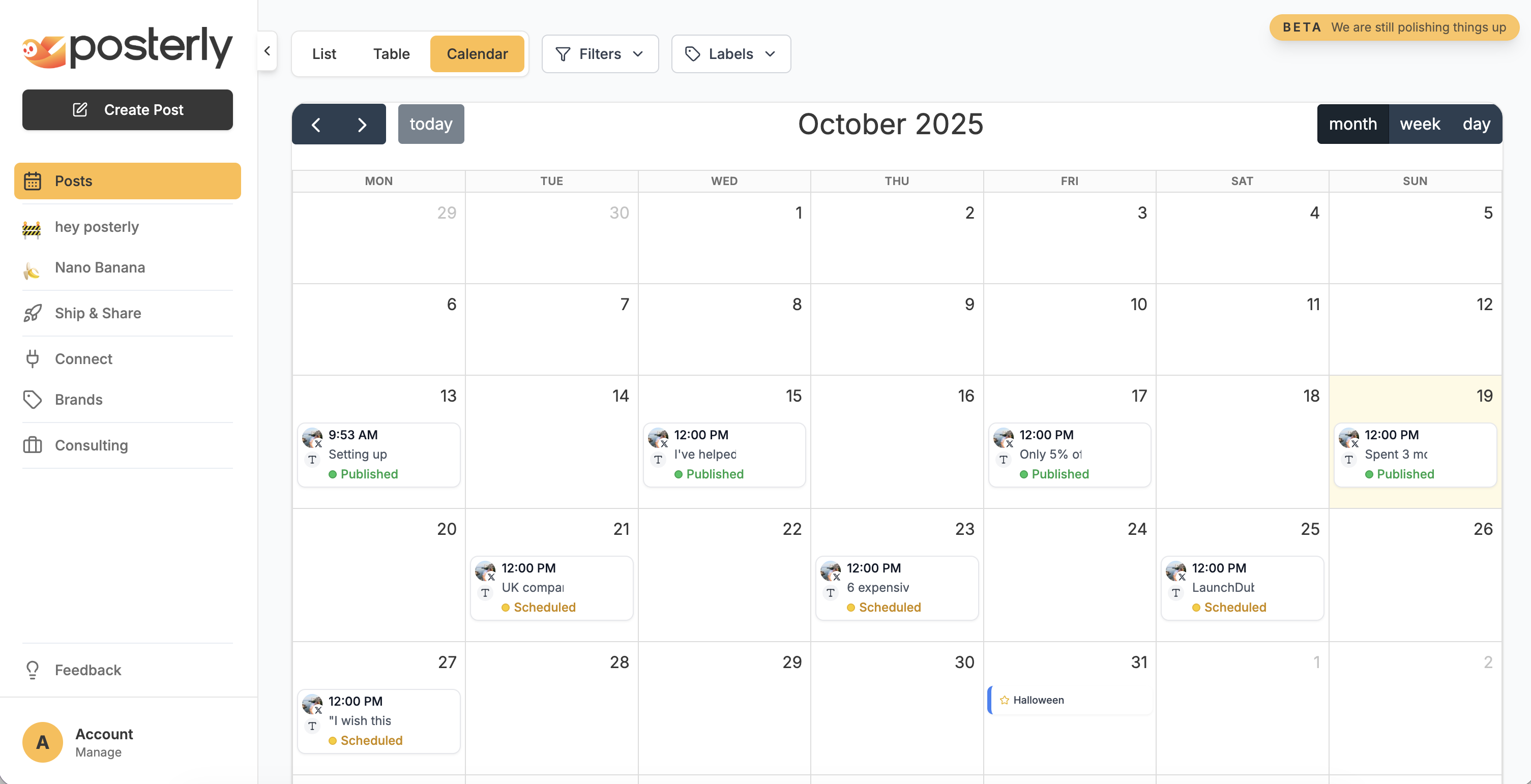
Plan Smarter
Unified dashboard with calendar, list, and table views. Drag & drop scheduling across 18 platforms with smart validation.
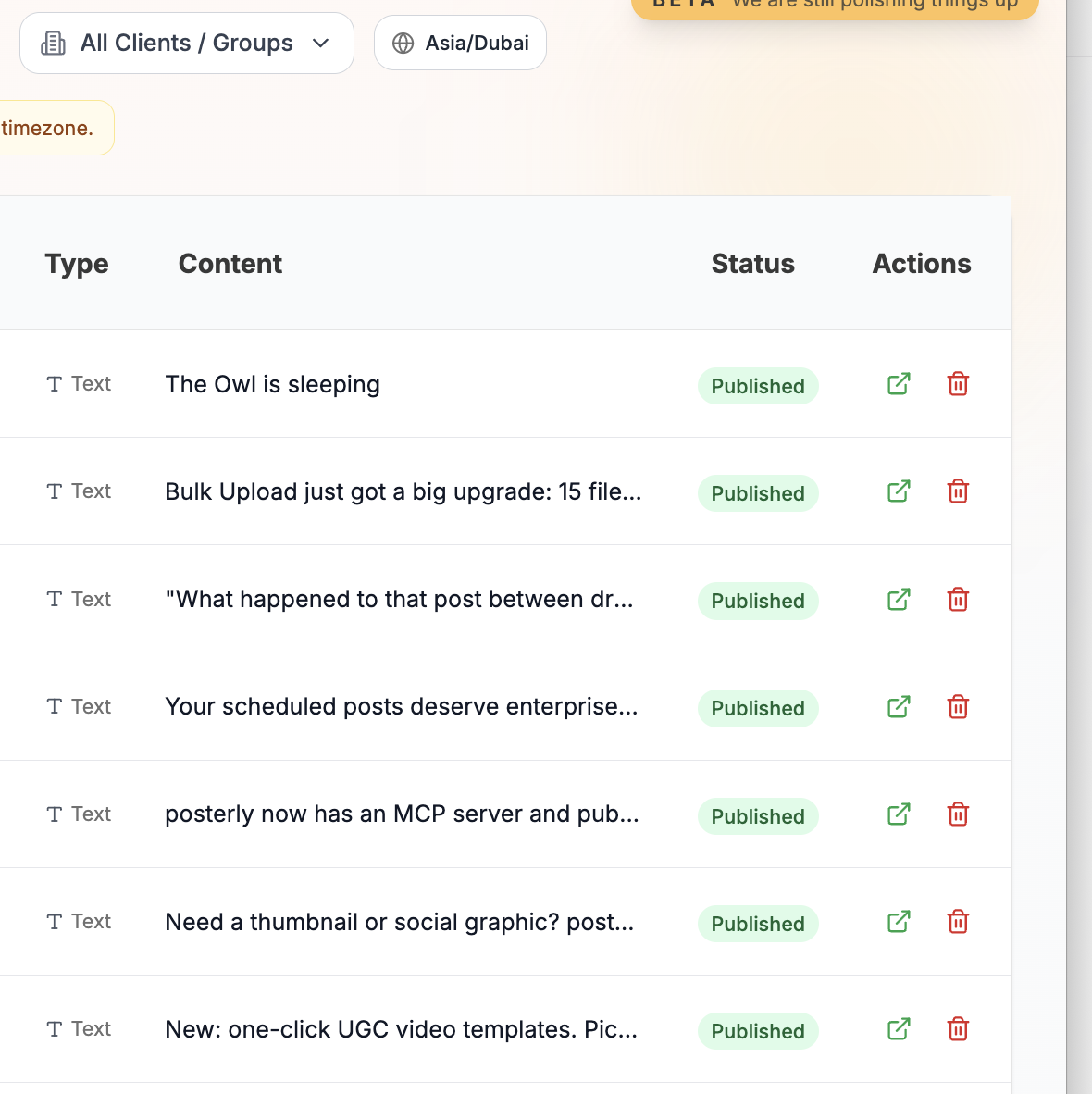
Publish Reliably
Real-time queue monitoring, automatic retries, and duplicate prevention. Built on Redis/BullMQ for enterprise-grade reliability.
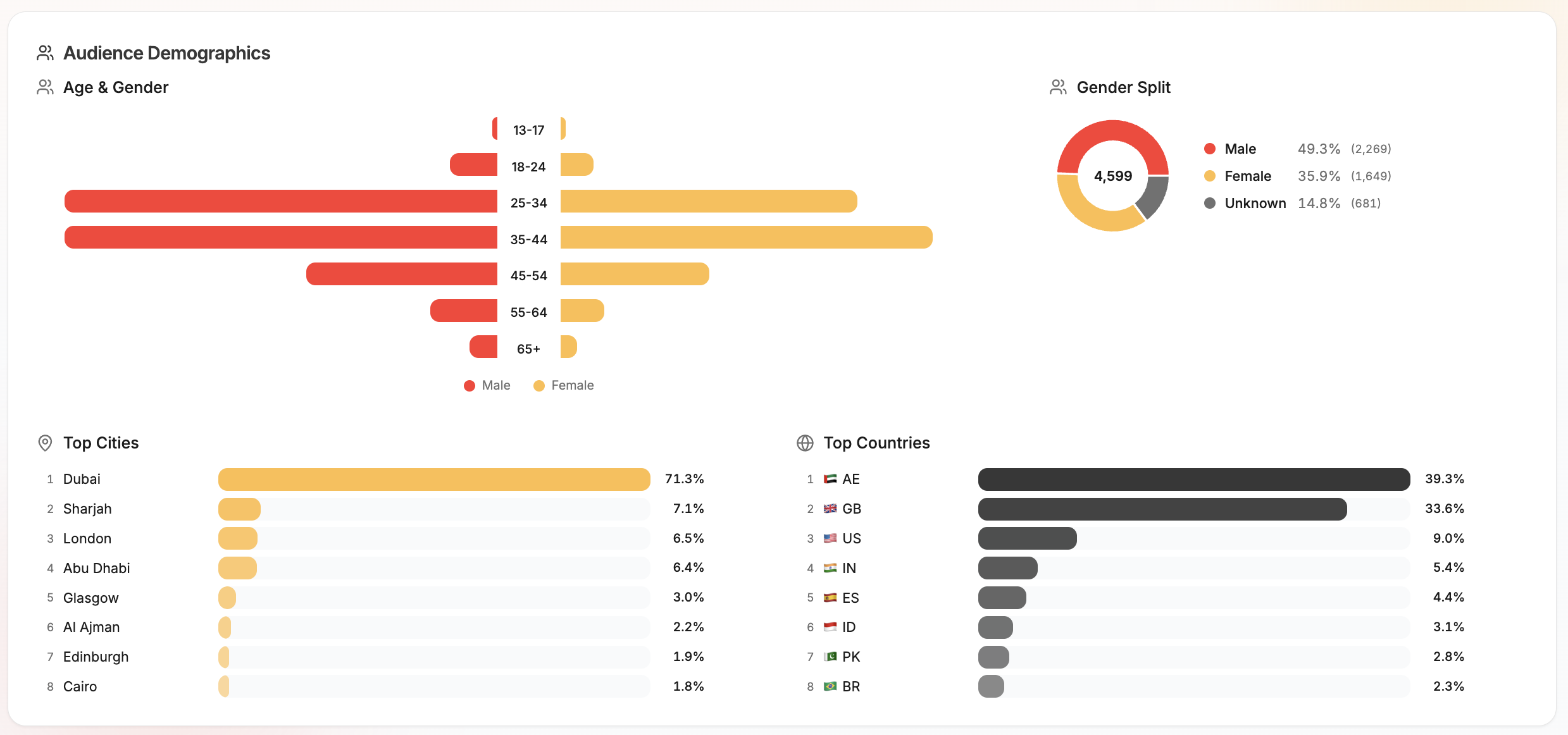
Analytics
Track reach, engagement, top posts, follower growth, and performance trends across connected accounts. Export reports for clients or internal reviews.
Social Inbox
Reply to Instagram and Facebook messages, handle comments across Instagram, Facebook, Threads and LinkedIn, use saved replies, and keep engagement organized from one workspace.
Social Inbox
DMs and comments in one flow
Can you send pricing?
Love this launch.
Thanks for reaching out.
Suggested reply ready
Personal, fast, and on-brand.
Brand Voice
posterly learns how each account writes from the posts you publish, then drafts new captions in that voice and suggests on-brand posts to publish next. Set British or American spelling per brand.
Brand voice
Learned from your published posts
Suggested for you
UseBehind the scenes on this week's drop. Small team, long hours, and a launch we're proud of. Tap through for the full story.
Written in your voice. Nothing posts without you.
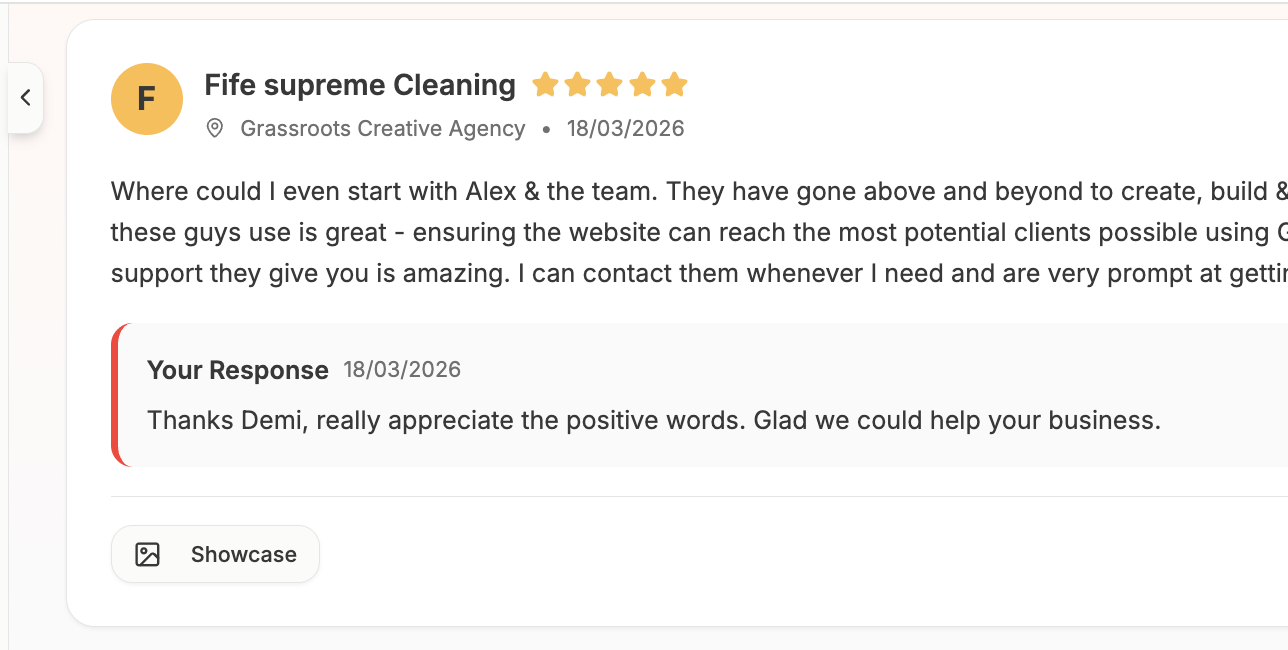
Google Reviews
Manage all your Google Business reviews in one inbox. Use AI to draft on-brand responses and reply without leaving posterly.
Link in Bio
One page for all your links. Auto-populated social icons, recent posts grid, 8 themes, click analytics, and a QR code, included on Pro. Serve it on your own domain on Power.
Your AI + posterly
Give Claude, ChatGPT, Cursor, or any MCP client access to posterly’s scheduling, analytics, brand voice, media, and publishing tools.



Workspaces & Client Approvals
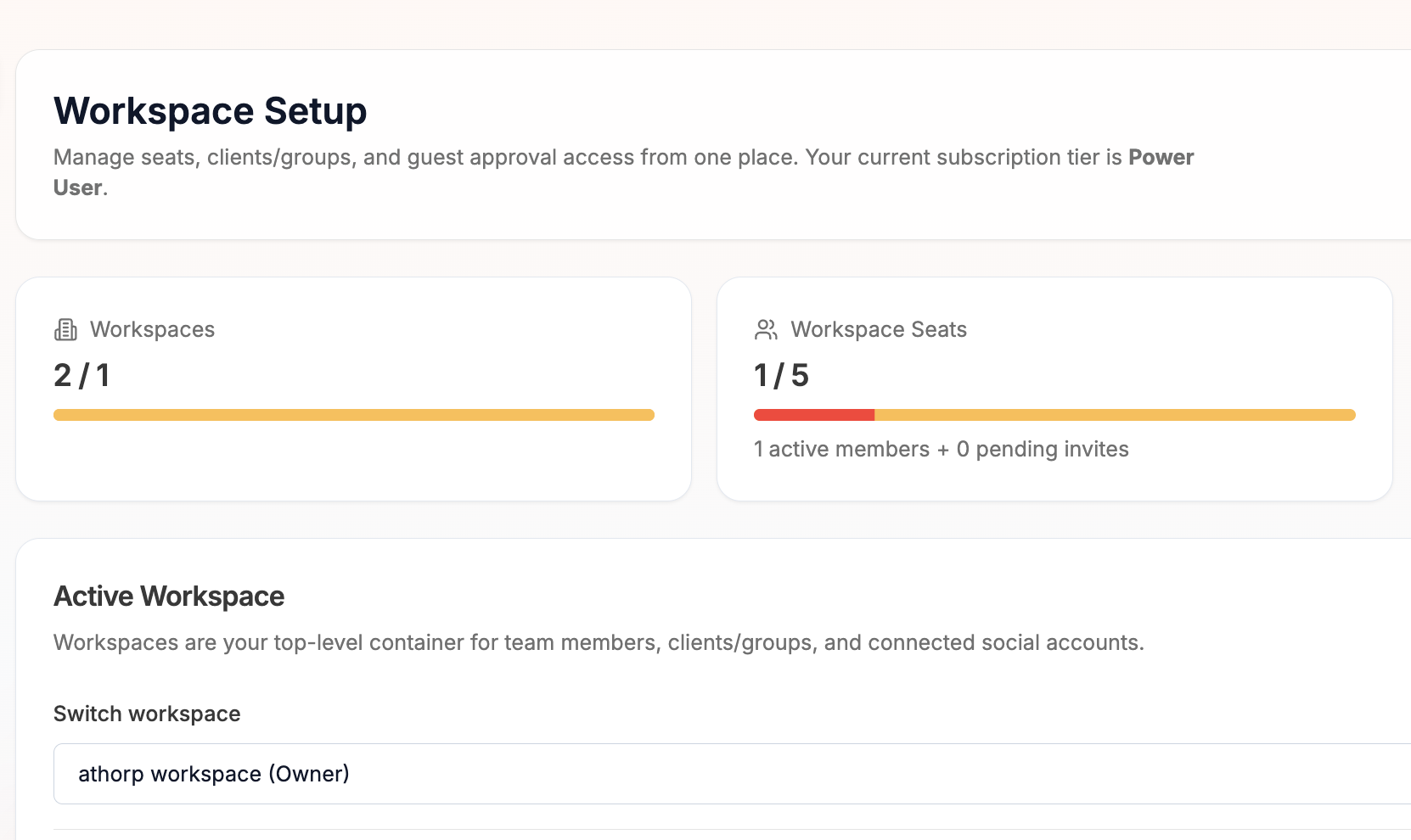
Team seats with roles, client groups, and a built-in client approval workflow. Clients sign in with just their email and approve, request changes, or comment from a review page branded with your agency logo, while per-client timezones keep every schedule local.
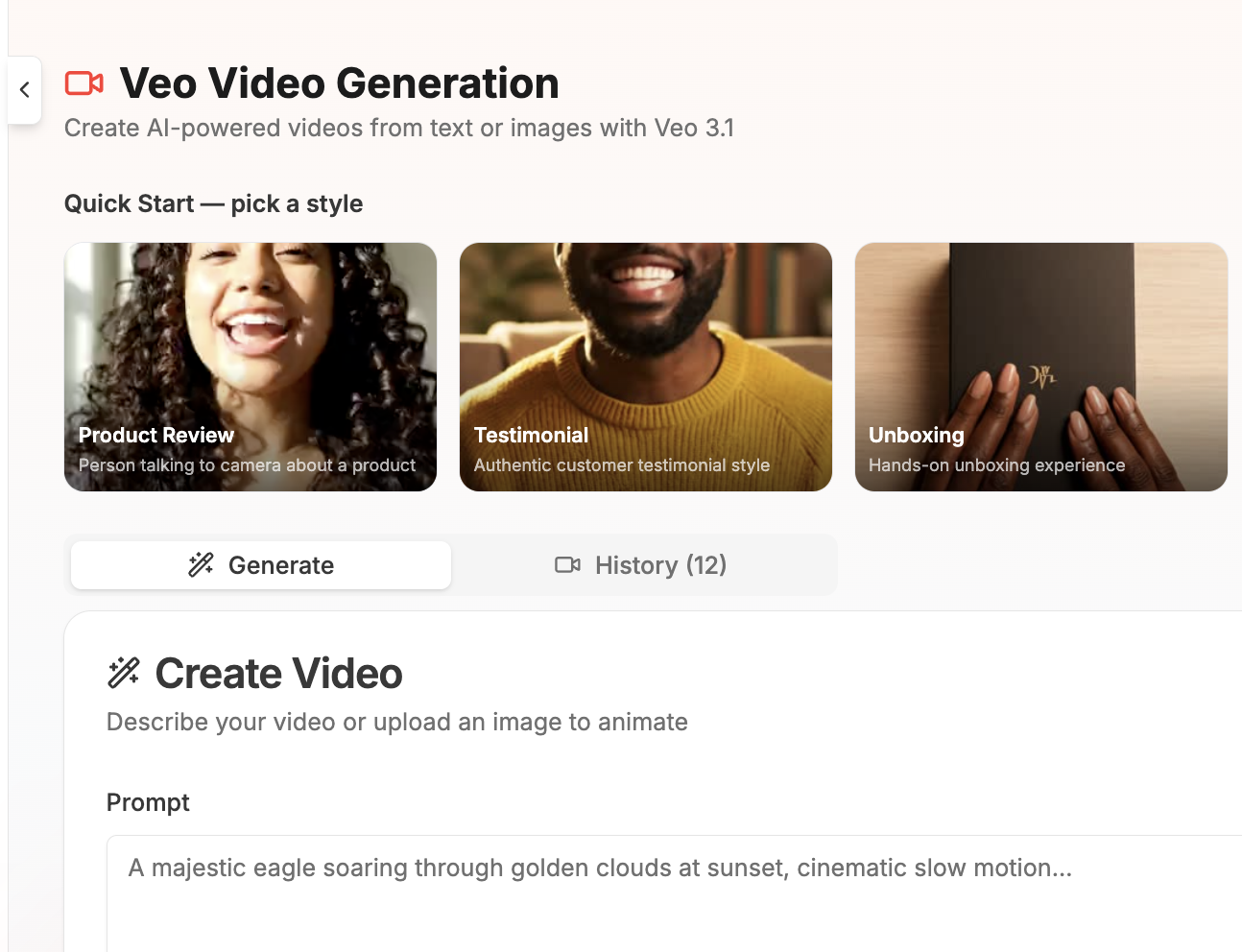
AI Video
Generate UGC-style videos in seconds. 6 presets, product reviews, testimonials, unboxings, tutorials, and more, powered by Veo.
AI Images
Generate custom 4K images for your posts with AI. Choose styles, aspect ratios, and use results directly in the composer.
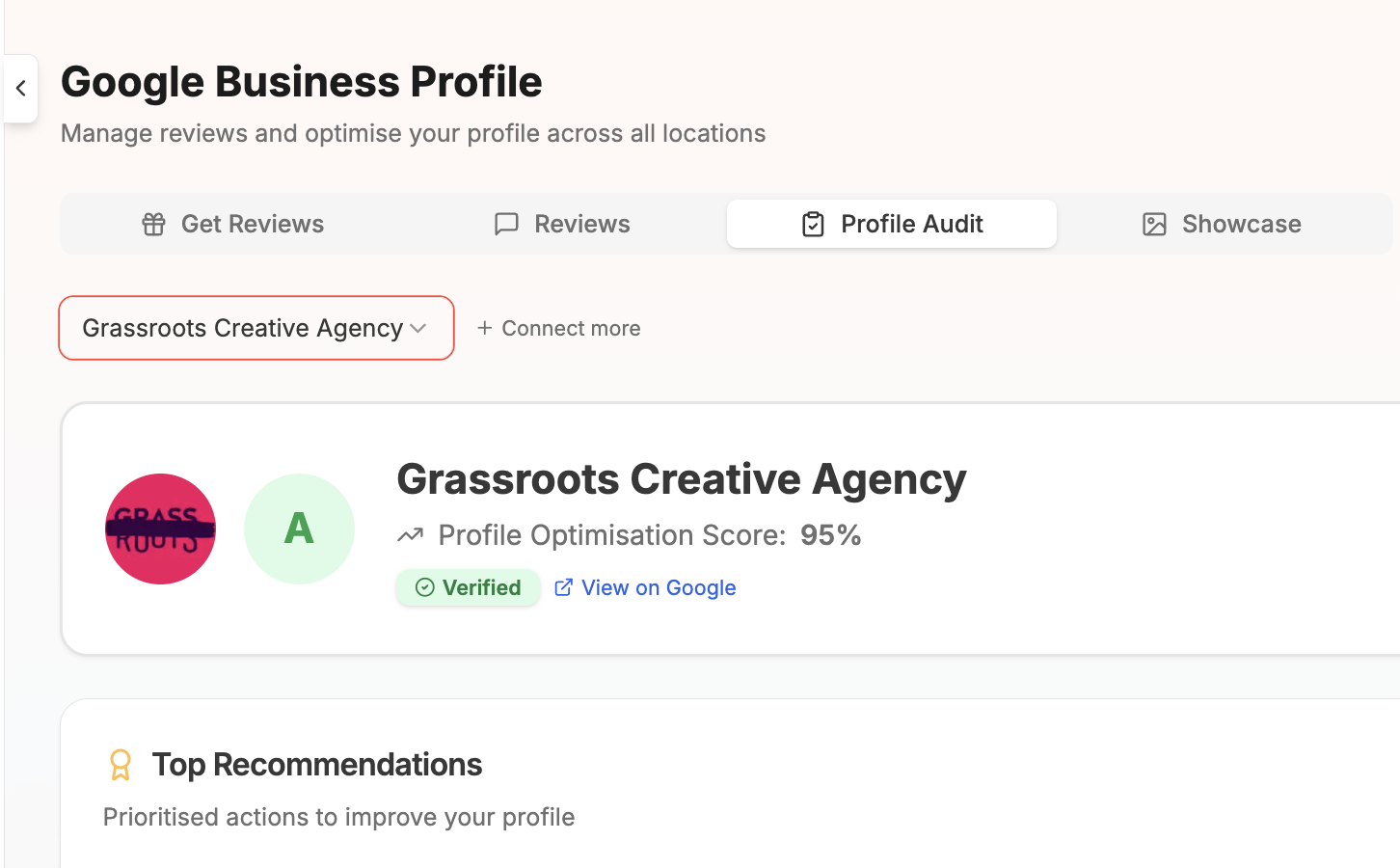
Profile Auditor
Audit your Google Business Profile for SEO. Get a completeness score, actionable recommendations, and NAP consistency checks.
Bulk Upload
Schedule up to 30 posts at once from a CSV or batch of images. Map columns, preview, and schedule everything in one go.
How to Schedule Instagram Posts with posterly
Getting started
To schedule Instagram posts with posterly, you need an Instagram Professional account (Business or Creator). If you're still on a Personal account, switch in Instagram Settings → Account → Switch to Professional Account, it's free and takes 30 seconds.
Connect your Instagram account directly for publishing, native media tags, analytics, comments, DMs, and caption mentions. Collaborator invitations require an eligible Meta/Facebook-linked connection.
Scheduling feed posts
Create a new post in the Composer, select your Instagram account, and upload your image or video. posterly validates media against Instagram's requirements automatically: square (1:1), portrait (4:5), or landscape (1.91:1) for images, and up to 60 seconds for feed videos. Add your caption, pick a date and time, or tap "Next available" to find the next open slot, and schedule.
Carousels
Upload up to 10 images or videos to create a carousel post. posterly handles the multi-image upload sequence through the Instagram API so all slides publish as a single swipeable post. Each image is automatically resized to match Instagram's aspect ratio requirements.
Reels
Upload a vertical video (9:16 aspect ratio, up to 90 seconds in posterly) and posterly will publish it as a Reel. Add a cover image, caption, hashtags, or native media tags through either Instagram connection. Collaborator invitations require an eligible Meta-linked Instagram connection. You can also publish a Trial Reel, a Reel only shown to non-followers, to test content before pushing it to your audience.
Alt text and tagging
Add alt text to feed images or mention an account with @username in a caption through either Instagram connection. Native clickable media tags also work through either eligible connection and support feed images, Reels, Stories, and carousel items. Collaborator invitations require an eligible Meta-linked connection and support feed images, Reels, and carousels.
Hashtag strategy
posterly's AI can suggest relevant hashtags based on your caption and industry. A popular tactic is to keep your caption clean and add hashtags as a "first comment", posterly supports this natively. Toggle the first-comment option in the Composer, type your hashtags there, and posterly will post them as a separate comment immediately after publishing.
Best times to post
Use Smart Scheduling to find open slots that avoid conflicts with your other scheduled content. With the optional API & MCP add-on, you can also ask Claude, ChatGPT, Cursor, or another compatible AI to inspect your analytics and plan an Instagram schedule.
What happens if my token expires?
Instagram tokens issued through Meta OAuth are long-lived (60 days) and posterly refreshes them automatically. If a token does expire, for example, if you change your Facebook password, posterly will notify you and prompt you to reconnect. Any posts scheduled during the gap will retry automatically once you re-authenticate.
Free Instagram tools
Use these without an account, then upgrade to schedule.
Instagram Handle Checker
See if a username is available before you commit.
Instagram Grid Maker
Split a photo into a clean 3-column grid.
Instagram Grid Planner
Preview upcoming posts on a 3 column profile grid.
Carousel Splitter
Slice a panoramic image into seamless carousel slides.
Caption Generator
AI-written captions with tone, emoji, and hashtags.
Schedule to other platforms too
posterly connects 18 social platforms in a single dashboard. One AI Composer, one calendar, one set of analytics.
Simple, transparent pricing
Start your free 7-day trial. No per-channel billing, from $1.40/account on Starter down to 49¢/account on Agency. Weekly, monthly, or yearly billing. Yearly saves 20%.
Starter
Get started with essential features
Pro
Grow with analytics, collaboration, and expanded AI limits
Power
Higher AI limits, automation, and publishing capacity
Agency
Maximum capacity for teams and clients
AI features include monthly allowances and daily fair-use guardrails. See our Fair Use Policy for the full breakdown. API & MCP access is billed separately from the free trial. *X posting is subject to monthly plan limits and add-ons because of current X API pricing.
Instagram Scheduling FAQ
Common questions about scheduling Instagram content with posterly