Connecting Google Business Profile
Connect your Google Business Profile through the Accounts page. posterly uses Google's OAuth 2.0 flow, sign in with the Google account that manages your business listing. You'll select which business location to connect. If you manage multiple locations, you can connect each one separately.
New review alerts
When a new Google review arrives, posterly can notify you by email, Slack, or Telegram. The alert includes the business location, reviewer, star rating, and comment, with a direct link that opens the exact review and its reply editor in your dashboard. Each person can control their own notification preferences.
Review inbox and direct replies
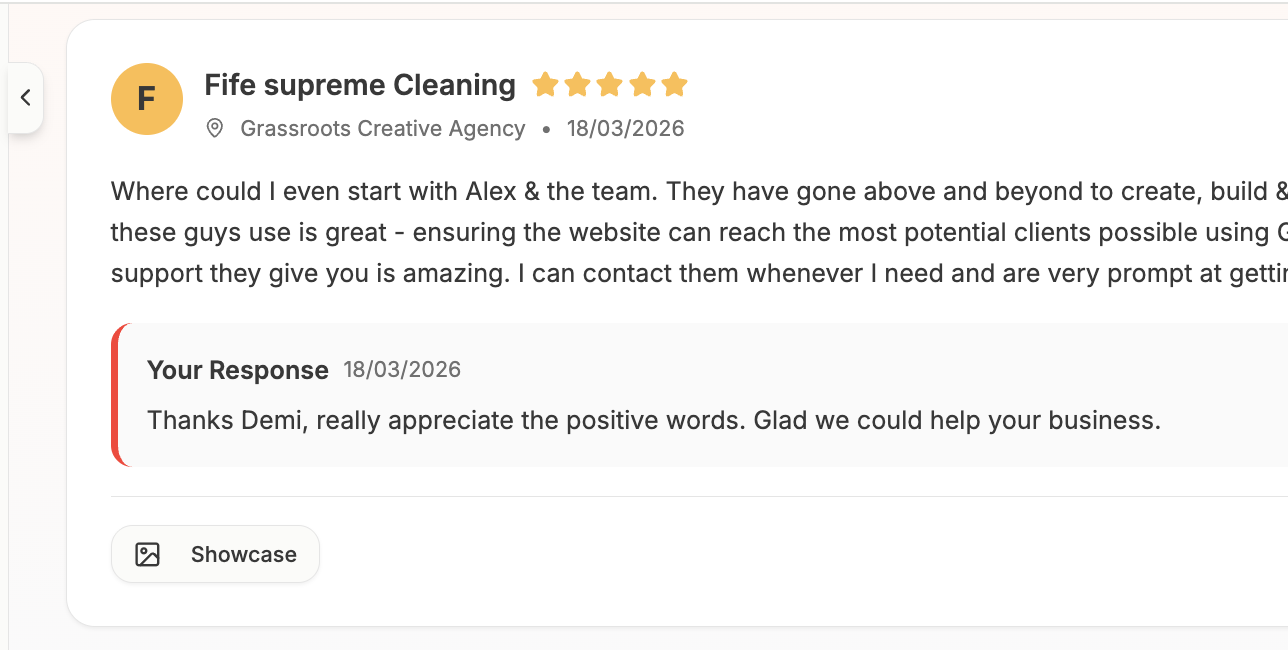
Use the Reviews inbox to see customer feedback across one location or all connected locations. Filter by rating or unanswered status, draft a response yourself, or ask AI for an on-brand suggestion. You can edit the wording before posting the owner reply directly to Google without leaving posterly.
Collecting more reviews
Generate the direct Google review link for each location, download a QR code for signs and receipts, or create a review request email campaign. Campaigns can be sent now or scheduled, support reminders, and include delivery and engagement tracking. Copy-ready email and SMS templates are also available for manual outreach.
Profile auditing
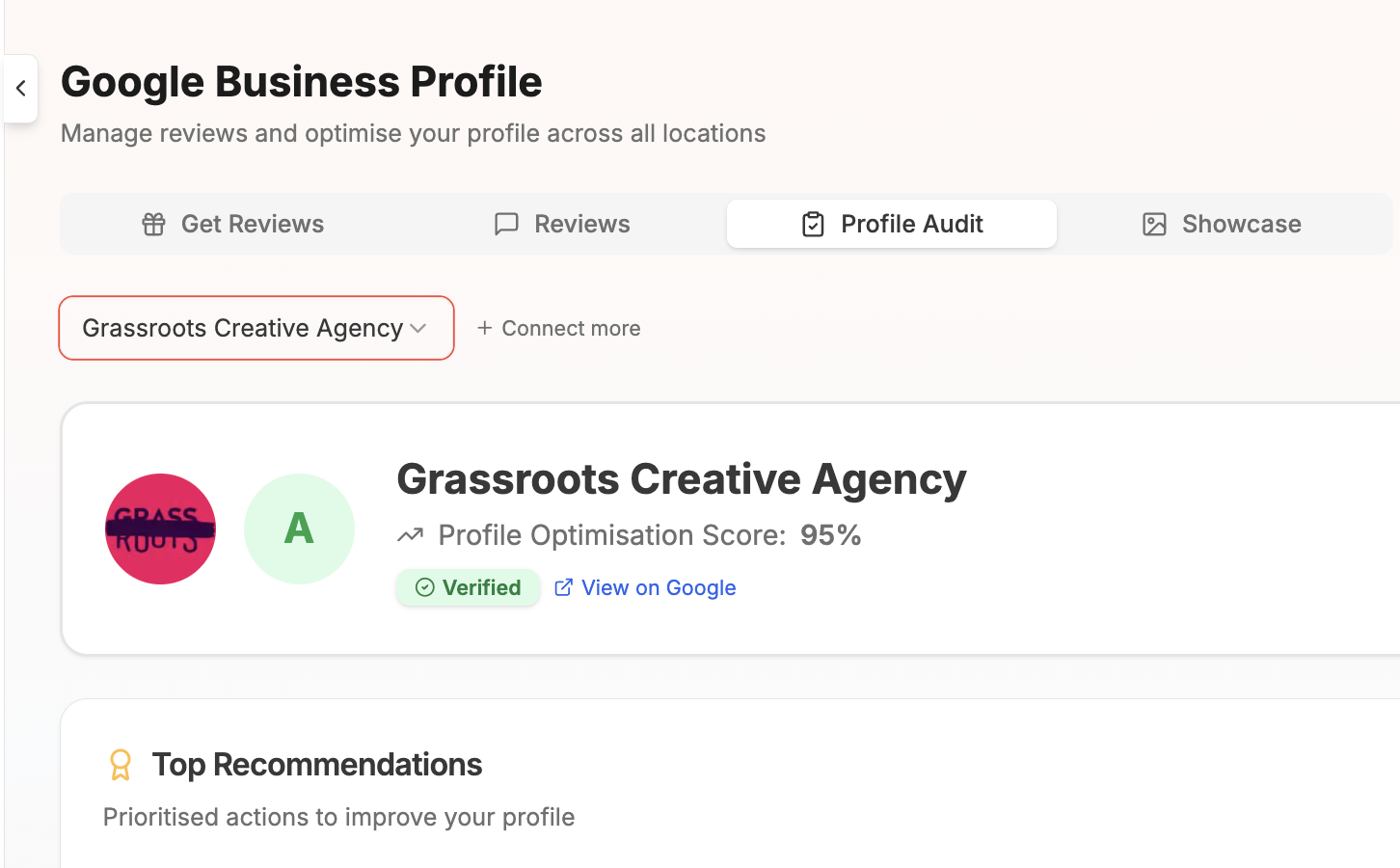
The profile audit checks important business details, categories, hours, attributes, media, and review health. It gives you a completeness score and a practical list of recommendations, so you can see what needs attention without comparing fields by hand.
Photos and videos
Manage the media shown on your profile in Google Search and Maps. Add or remove cover, profile, logo, exterior, interior, product, team, and other location photos and videos for each connected business location.
Review showcase
Turn your best Google reviews into branded social media graphics. Choose a layout and visual style, export the finished image, or send it directly into the composer to share that customer feedback on your other channels.
Scheduling updates, offers, and events
posterly supports several GBP post types: updates (general news and information), offers (promotions with optional coupon codes and redemption links), and events (with start/end dates and times). Each post can include an image, description, and call-to-action button (Learn More, Book, Order Online, Call Now, etc.).
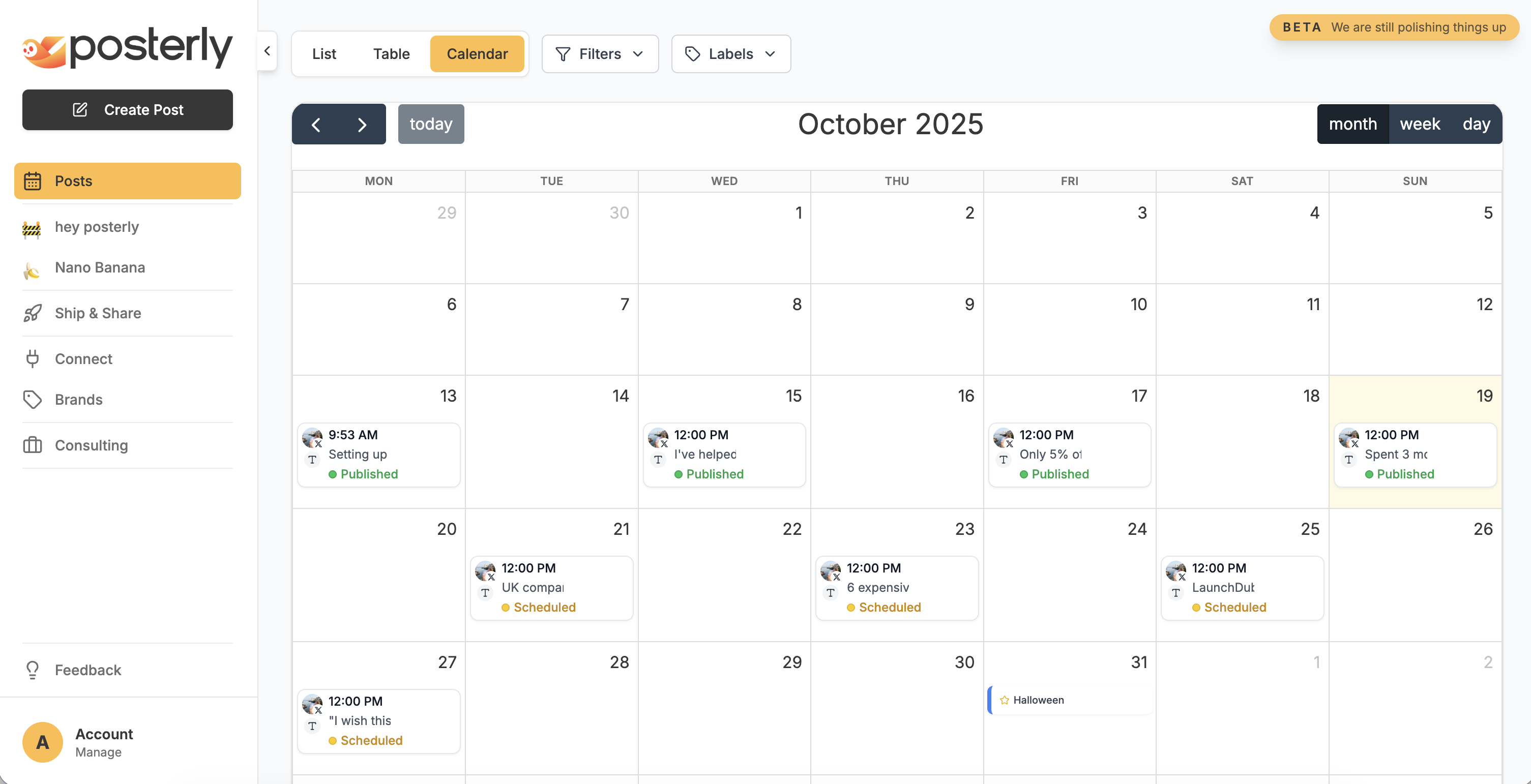
Open the Composer, select one or more Google Business locations, write your update, attach media, and choose when it should publish. Scheduled GBP content lives in the same calendar as your other social channels, so local updates stay part of the wider content plan.
Scheduling for many locations from an AI agent? Read how Webserv schedules Google Business Profile posts across 100 profiles with a Claude agent, including the compliance checks and human sign-off they use.