
How to Use posterly with ChatGPT: Custom MCP to First Approved Schedule
The advanced path: turn on ChatGPT developer mode, add posterly as a custom MCP app, then validate a draft before anything is scheduled. The plugin listing is the main way to connect.
Prefer posterly in Google Search?
You already live in ChatGPT. You do not want a second tab for captions and a third for "did that actually go out?". Founders keep asking for social to happen in the conversation they already have.
The main way to connect is the plugin listing: Add posterly in ChatGPT. The short setup page is Add posterly in ChatGPT. This post is the advanced alternative, developer mode, for people who already use a custom MCP app or cannot use the listing.
ChatGPT is the chat layer. posterly is the publish layer (18 networks, the queue, analytics). ChatGPT drafts, validates, and schedules through the connection. It does not post until you approve.
This walkthrough goes from developer mode to the first approved schedule. The long read is the ChatGPT setup guide. OpenAI's help documents write actions on this custom MCP path as Business, Enterprise, or Edu. That limit is not confirmed for the plugin listing.
Two layers, one conversation
Keep the split boring and accurate.
- ChatGPT is where you talk, where ChatGPT Work can run longer jobs, and where Codex can use local stdio. It is not a social network.
- posterly is where accounts, media, the queue, and analytics actually live. Buy Starter + API in one checkout ($10 a month). Agency API is $29 a month on Agency. That access is required before hosted tools will schedule anything. See pricing and the ChatGPT setup page.
Chat attachments never reach posterly. The paperclip in ChatGPT is not an MCP upload. For a laptop video, ChatGPT must call create_media_drop, you open https://www.poster.ly/drop/<token>, then it calls list_media. Why that exists: Solving the 4MB MCP limit.
1. Know the plan gate before you paste a URL
Custom MCP write actions (scheduling, connecting accounts, creating keys) need ChatGPT Business, Enterprise, or Edu on the web. Pro custom MCP is read and fetch only. There is no mobile MCP. Codex, inside the ChatGPT desktop app, is the exception: it can run local stdio.
If you are on Plus or Pro and you only need drafts, you can still connect and run whoami, list_accounts, and validate_post. create_post will not run until the workspace can write.
You do not need a key in the first message if you are new. The bot can start agent signup through the public flow, then you pay in the browser.
You: I want you to set up posterly as my social scheduling agent. I do not have an account yet. Do not post anything.
ChatGPT: I can start posterly's agent signup flow. Confirm the email I should use. You will pay and set a password in your own browser. I will not ask for the card or the password.
That is the contract. ChatGPT orchestrates. You stay the human in the browser for money and credentials.
2. Agent-led signup (you still pay in the browser)
Ask ChatGPT to run the documented signup tools, not to "just make an account".
start_signup(orPOST /api/v1/signup) with your email, usually Starter, andapi_addon=true.- It sends a checkout handoff URL. Prefer
checkout_redirect_url. get_signup_sessionwhile you finish Stripe and set a password.- It narrates status in English: checkout pending, payment confirmed, password required, then agent access required.
No API key is created or shown until billing access is active. Hosted MCP expects a pst_live_... bearer key (or OAuth), so ChatGPT cannot see your workspace until that key is in the custom app.
ChatGPT: Checkout is ready. Open this secure posterly link and pay in your browser. I will wait and tell you when payment lands.
You: Paid. I set a password.
ChatGPT: Payment is confirmed. When the dashboard shows the first key, sign in when ChatGPT opens the posterly page. I will not continue to Instagram until
whoamiworks.
If it pastes raw curl, tell it to stop. Signup tools return human-readable next steps by default.
Prompts for a social campaign
Prompts that run a campaign through the posterly MCP, plus a plan-a-week walkthrough, using only tools the server has.
3. Add the custom MCP app (short version)
ChatGPT web talks to remote HTTP MCP only. Do not paste an npx stdio block into ChatGPT. Codex can use stdio. This post is about ChatGPT web.
After the dashboard key exists:
- In ChatGPT on the web, open Settings, then Security and login, and turn on Developer mode.
- Go to chatgpt.com/plugins, click + next to the search box, choose Create app, then Create MCP App.
- Name:
posterly. Server URL:https://www.poster.ly/api/mcp. Authentication: OAuth. - Tick "I understand and want to continue", click Create, and approve the posterly sign-in. No key to paste.
- In a new chat, turn posterly on from the + menu.
Write actions still need Business, Enterprise, or Edu. Then a read-only check:
You: Run whoami. Do not list keys or post anything.
ChatGPT: Authenticated. I can see your workspace and scopes. No social accounts are connected yet. Which network first, Instagram or LinkedIn?
If whoami fails, stop. Do not "just schedule".
4. First connect session (OAuth stays in your browser)
Connecting Instagram or LinkedIn is another browser handoff, not a password in chat.
- Ask which account you want first.
- Call
create_connect_sessionfor that platform. - Send you the secure
connect_url. - Poll
list_accountswithview: "connect_session"and tell you what is happening.
You open the link, sign into the provider, and approve scopes on Meta or LinkedIn's own page. Sessions expire after 30 minutes.
ChatGPT: I have a 30-minute Instagram connect link. Open it, approve Meta in your browser, and stay here. I will say when posterly has stored the account.
You: Approved.
ChatGPT: Instagram is connected. I can draft. I still will not schedule until you confirm a specific post.
5. Draft, validate, then say send
"Never posts without approval" is two tools and a confirm flag.
- ChatGPT drafts the caption (and media plan) in chat.
- It calls
validate_post. That does not create a row or enqueue publish. - It shows the final preview: account, caption, time in your timezone, media.
- You confirm that exact post in this turn. "Schedule that" is confirmation. "Post about the launch every Monday" is not.
- Only then does it call
create_postwithconfirm: true.
Laptop media: do not use the paperclip. Ask it to call create_media_drop, open the /drop/ link, then list_media and pass public_url into validate_post. Codex can use file_path instead.
You: Draft a LinkedIn post for Thursday 10:00 UK time about the webinar. Validate it. Do not create it.
ChatGPT: Draft for your LinkedIn Page, Thursday 10:00 Europe/London.
validate_postpassed. No row exists yet. Say schedule it if you want this one queued.You: Schedule it.
ChatGPT: Scheduled. View in posterly: [dashboard link]
After create_post the tools return a View in posterly URL. Current-month scheduled posts open in Calendar. Broader views use Table.
6. After the first post: Codex, Work, batch
- Codex. Same key.
codex mcp add posterly --env POSTERLY_API_KEY=pst_live_... -- npx -y posterly-mcp-server@latestor--url https://www.poster.ly/api/mcp. Localfile_pathuploads work here. - Weekly batch. Validate each item, confirm the set, then
create_posts_batchwithconfirm: true. - Brand voice and analytics.
list_brands(view: "profile"),list_accounts(view: "learned_voice"),generate_captions,list_analytics. Read-only until you confirm a create.
ChatGPT Work can repeat a prompt. A scheduled task is not a blanket yes. Publishing still needs validate-then-confirm.
7. Where this usually breaks
- Wrong ChatGPT plan. Plus and Pro custom MCP cannot write. You will think the connector is "broken" when it is gated.
- Paperclip. Chat attachments never become MCP arguments. Use
create_media_dropthenlist_media, or Codexfile_path. - Stdio pasted into ChatGPT web. That is a Claude Desktop / Codex snippet. ChatGPT web needs the hosted URL.
- Mobile. There is no MCP on the ChatGPT iOS or Android apps. Use the web app.
- Skipped
confirm: true. The tool refuses. Tell it to preview and wait. - Stale connect session. 30 minutes. Ask for a new
create_connect_session.
Start in Developer Mode
Turn on Developer Mode, add the hosted URL from the MCP setup guide, let ChatGPT walk agent signup if you are new, then approve one validated post. The short ChatGPT setup page has the fields. Codex users can skip the custom app and use stdio.
You keep the chat. posterly keeps the queue. Nothing publishes until you say send.
Do this with your AI agent
Already use Claude or ChatGPT? Connect posterly over MCP and paste this prompt.
List my connected accounts, draft three captions, and schedule one Instagram post a day for Tuesday, Wednesday and Thursday at 9am. Check each with validate_post before you create it.
Prompts for a social campaign
Prompts that run a campaign through the posterly MCP, plus a plan-a-week walkthrough, using only tools the server has.
See more of posterly in Google
Add us as a preferred source. Google can show more of our articles in your Top Stories and a Preferred badge in AI Overviews.
Keep reading
Blog
How to Use posterly with Claude: Custom Connector to First Approved Schedule
Add posterly as a custom Claude connector (Free plans get one slot), pay in the browser, then validate a draft before anything is scheduled. claude.ai uses a drop page for laptop files.
Blog
How to Use posterly with Cursor: MCP in the IDE to First Approved Schedule
Add posterly to Cursor with local stdio or hosted HTTP for Cloud Agents, then validate a draft before anything is scheduled. Desktop can PUT laptop files. Cloud Agents use a drop page or signed upload.
Blog
How to Use posterly with Grok Bot: Marketplace Bot to First Approved Schedule
Add the live Posterly Social Marketplace bot, let it run agent-led signup, attach remote MCP, connect Instagram or LinkedIn in your browser, then validate a draft before anything is scheduled.
Blog
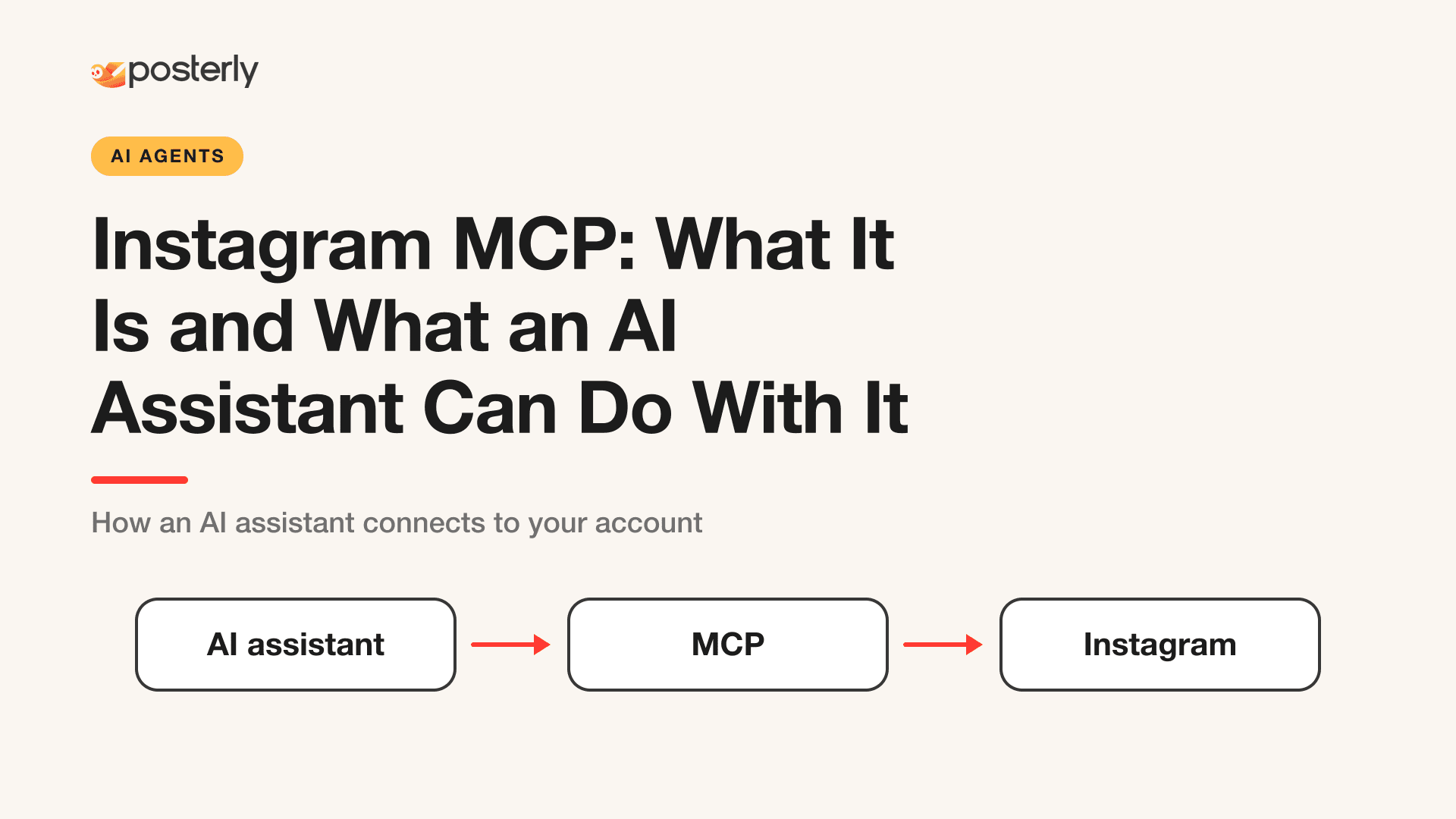
Instagram MCP: What It Is and What an AI Assistant Can Do With It
An Instagram MCP server lets Claude or ChatGPT schedule feed posts, carousels, Reels and Stories and read analytics, comments and DMs. Here is how the connection works.