
Instagram MCP: What It Is and What an AI Assistant Can Do With It
An Instagram MCP server lets Claude or ChatGPT schedule feed posts, carousels, Reels and Stories and read analytics, comments and DMs. Here is how the connection works.
Prefer posterly in Google Search?
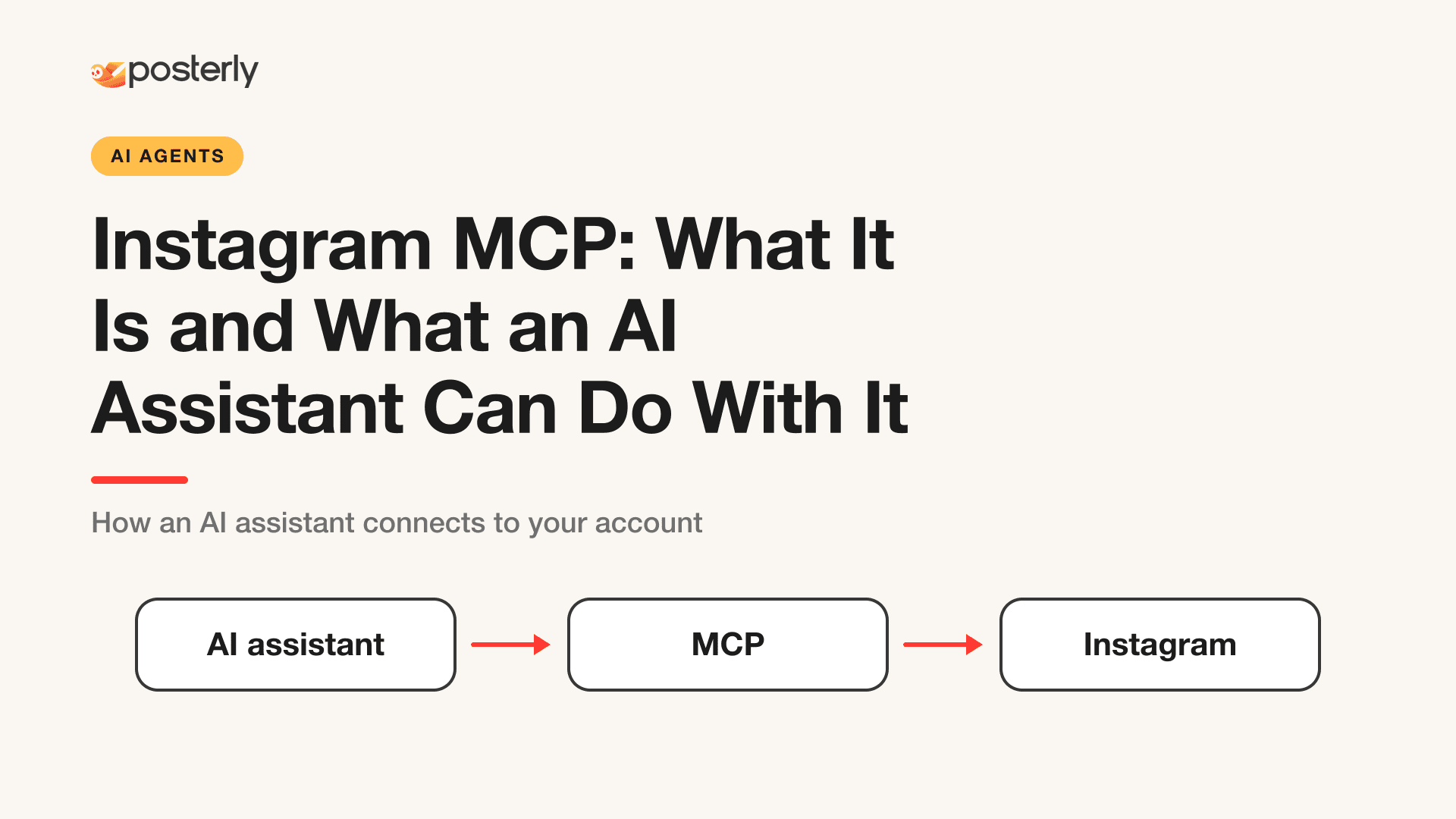
An Instagram MCP server lets an AI assistant such as Claude or ChatGPT work with your Instagram account through the Model Context Protocol. Instead of switching between a chat window and a scheduling app, you ask the assistant to schedule a post, and the MCP server carries out the request on your behalf. With posterly's Instagram connector, that covers feed photos, carousels, Reels and Stories, plus analytics, and comments and DMs on the Pro plan or higher.
This page explains how the pieces fit together and what the posterly connector can do. The full capability list lives on the Instagram MCP page.
What MCP is
The Model Context Protocol (MCP) is, in its own words, "an open-source standard for connecting AI applications to external systems." Its documentation compares it to a USB-C port: a standard way to plug AI applications into data sources, tools and workflows. Claude and ChatGPT are among the AI applications that support it.
An MCP server is the thing you plug in. For Instagram, that is a server that knows how to validate, schedule and read Instagram content. The AI client asks it to do something, and it does so under your account.
How an Instagram MCP request flows
You
 |  "Schedule this Reel for Friday at 6pm"
 v
AI client (Claude or ChatGPT)
 |  calls a tool on the MCP server
 v
posterly MCP server
 |  checks the post, then asks you to confirm
 v
Instagram (Meta's publishing API)
 |  publishes at the scheduled time
 v
Your Instagram account
Three points about that flow:
- The assistant does not hold your Instagram login. You connect the account to posterly, and the assistant works through posterly.
- Posts can be checked first. One of the posterly example prompts asks the assistant to run
validate_postbefore it schedules anything, so problems surface before anything is published. - You stay in control of replies. For comments and DMs, every reply is previewed for you first.
Instagram's API requires an Instagram professional account (business or creator), per Meta's documentation. That requirement applies to any tool that publishes to Instagram, not just posterly.
What the posterly Instagram connector can do
This list comes from the connector's own description.
Publishing
- Feed photos, carousels of 2 to 10 slides, Reels, Stories, and multi-slide story series
- Captions up to 2,200 characters, with a first comment that can carry your hashtags
- A Reel cover, and a label for AI-generated posts
Native Instagram options
- Tag people on a photo, Reel or Story
- Invite up to 3 collaborators on a feed post, Reel or carousel
- Add a poll or a comment prompt to feed posts, Reels and carousels
- Stories take one image or one video, with no poll or comment prompt
Collaborators, polls and comment prompts need the account connected through Meta (Facebook) rather than the direct Instagram login.
After posting
- Read your Instagram analytics through the same connection
- On the Pro plan or higher, read comments and DMs so the assistant can summarize what people said and draft replies for you to approve. The inbox works on the direct Instagram connection.
Schedule smarter with AI
AI captions, 18 platforms, plans from $7/mo
Example requests
These are the prompts from the connector page:
- "Schedule this video as an Instagram Reel for Friday at 6pm, use the frame at 3 seconds as the cover, and put my hashtags in the first comment."
- "Turn these five photos into an Instagram carousel, write a caption for it, and check it with
validate_postbefore you schedule anything." - "Post this image as an Instagram Story tomorrow at 9am and tag @partnerbrand on it."
Who it suits
An Instagram MCP is a good fit if you already do your planning in Claude or ChatGPT and want to turn a draft into a scheduled post without leaving the chat. It is less useful if you prefer a visual calendar. posterly also offers that through the Instagram scheduler, and both use the same accounts.
Set it up
The step-by-step guides cover the setup for each assistant:
Read the connector page for the full list of supported post types and limits: /connectors/instagram-mcp. For background on Instagram's formats and ranking, see the Instagram platform guide.
FAQ
What is an Instagram MCP server?
It is a server that exposes Instagram actions, such as scheduling a post or reading comments, to AI assistants that support the Model Context Protocol. The assistant sends requests, and the server carries them out on your connected account.
Can Claude or ChatGPT post to Instagram?
Yes, through an MCP server such as posterly's. Ask for a feed post, carousel, Reel or Story and attach the media. Stories can be one image or one video, and you can still tag people on them.
Can an AI assistant read my Instagram comments and DMs?
On the Pro plan or higher, yes. The assistant can read comments and DMs, and every reply is previewed for you before it is sent. DM replies follow Meta's 24-hour messaging window.
Do I need a business account for an Instagram MCP?
Meta's API requires an Instagram professional account, which can be a business or creator account. posterly's connection docs say the same.
Sources
- Model Context Protocol: What is MCP?
- Meta for Developers: Instagram Platform overview
- posterly: Instagram MCP connector
Schedule smarter with AI
AI captions, 18 platforms, plans from $7/mo
Founder newsletter
Launch with Alex
Building companies from Dubai. Field notes from running more than one, and the decisions that paid off.
See more of posterly in Google
Add us as a preferred source. Google can show more of our articles in your Top Stories and a Preferred badge in AI Overviews.
Related Articles
How to Use posterly with ChatGPT: Custom MCP to First Approved Schedule
Turn on ChatGPT Developer Mode, add posterly as a custom MCP app, run agent-led signup in the browser, then validate a draft before anything is scheduled. Writes need Business, Enterprise, or Edu.
Read moreHow to Use posterly with Claude: Custom Connector to First Approved Schedule
Add posterly as a custom Claude connector (Free plans get one slot), pay in the browser, then validate a draft before anything is scheduled. claude.ai uses a drop page for laptop files.
Read moreHow to Use posterly with Cursor: MCP in the IDE to First Approved Schedule
Add posterly to Cursor with local stdio or hosted HTTP for Cloud Agents, then validate a draft before anything is scheduled. Desktop can PUT laptop files. Cloud Agents use a drop page or signed upload.
Read moreHow to Use posterly with Hermes: YAML MCP to First Approved Schedule
Add posterly under mcp_servers in ~/.hermes/config.yaml, run /reload-mcp, then validate a draft before anything is scheduled. Hermes can use local stdio or hosted HTTP.
Read more