
Content Repurposing Planner
Content Repurposing Planner
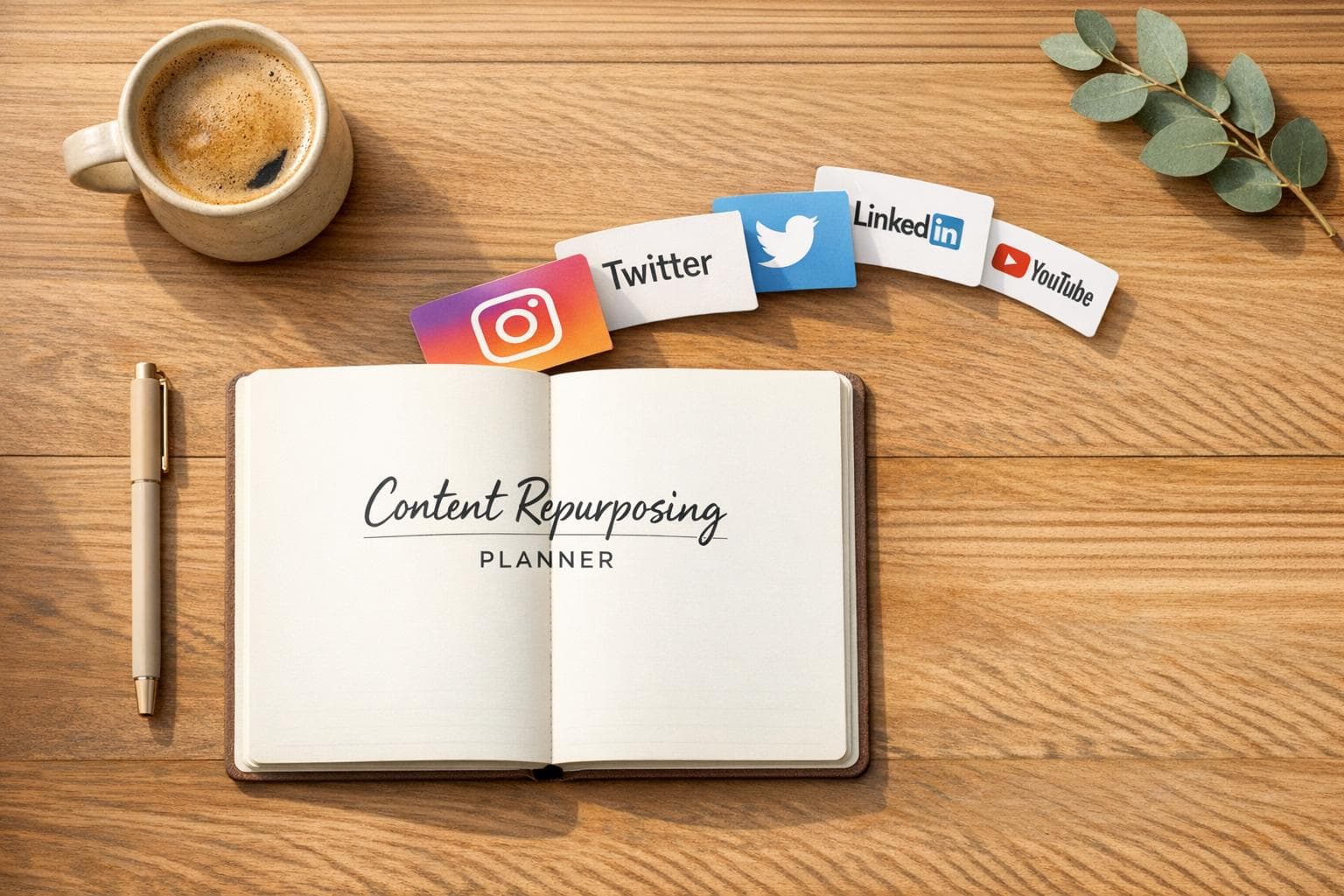
Content Repurposing Planner
::: @iframe https://app.wrapifai.com/embed/ab1bd7 :::
Maximize Your Content with a Repurposing Strategy
In today’s fast-paced digital world, creating fresh material for every platform can feel overwhelming. That’s where a smart content repurposing approach comes in handy. By transforming a single piece of content—like a detailed blog or a compelling video—into various formats, you can reach wider audiences without burning out. It’s not just about recycling; it’s about adapting your message to resonate across different spaces.
Why Repurpose Your Content?
Think about the time and effort you’ve already invested in crafting a solid piece of work. Why let it sit on one platform when it could shine on others? A well-thought-out content transformation strategy lets you turn a podcast episode into a series of engaging social media snippets or a webinar into a LinkedIn post that sparks discussion. This method saves hours of brainstorming while keeping your brand consistent. Plus, it helps you connect with followers who might not hang out on your primary channel.
Get Started Today
Tools like ours make the process seamless. Input your idea, choose your platforms, and get tailored suggestions that fit. Whether you’re a solopreneur or managing a team, repurposing is the key to staying visible and relevant with less stress.
FAQs
::: faq
What kind of content can I repurpose with this tool?
You can repurpose almost anything—blog posts, videos, podcasts, or even infographics. Just input the main idea or title, and the tool will break it down into bite-sized concepts or key points that fit different platforms. For example, a long blog post could become a series of Instagram stories or a detailed LinkedIn article. It’s all about finding the core message and adapting it to suit the vibe of each network. :::
::: faq
How does the tool customize ideas for specific platforms?
Each social media platform has its own style and audience expectations, and our tool takes that into account. For Instagram, it might suggest a visually engaging carousel with punchy captions. For Twitter, you could get ideas for a concise thread that sparks conversation. We’ve built in strategies that match the format and tone of each platform, so you’re not just recycling content but truly tailoring it. :::
::: faq
Is this tool suitable for beginners in content marketing?
Absolutely! You don’t need to be a pro to use this planner. The suggestions are straightforward and easy to follow, even if you’re new to creating content for multiple platforms. We break down complex ideas into simple steps, like ‘Summarize your blog’s top 3 points in a 5-slide Instagram post.’ Plus, it’s a great way to learn how different platforms work as you go. :::
Related Articles
How to Create 30 Days of Social Media Content Using AI Images in posterly
A practical guide to generating a full month of original social media images with posterly's AI image tool, writing captions for each one, and scheduling everything in a single session.
Read moreHow to Find the Best Time to Post on Social Media Using posterly's AI Scheduler
Stop guessing when to post. This guide explains how posterly's AI Scheduler analyses your audience activity and automatically picks the best posting times so your content gets seen by more people.
Read moreHow to Manage Google Business Reviews on Autopilot With posterly
A step-by-step guide to responding to Google reviews with AI, automatically requesting new reviews from customers, auditing your profile for local SEO, and turning your best reviews into social media content.
Read moreHow to Manage Multiple Client Social Media Accounts With posterly Workspaces
A practical guide for agencies and teams on using posterly Workspaces to organise client accounts, assign roles, get content approved, and schedule posts across dozens of social profiles without things getting messy.
Read more